Invite teammates with the right role
Bring people in without giving them everything. Three roles cover the common cases.
-
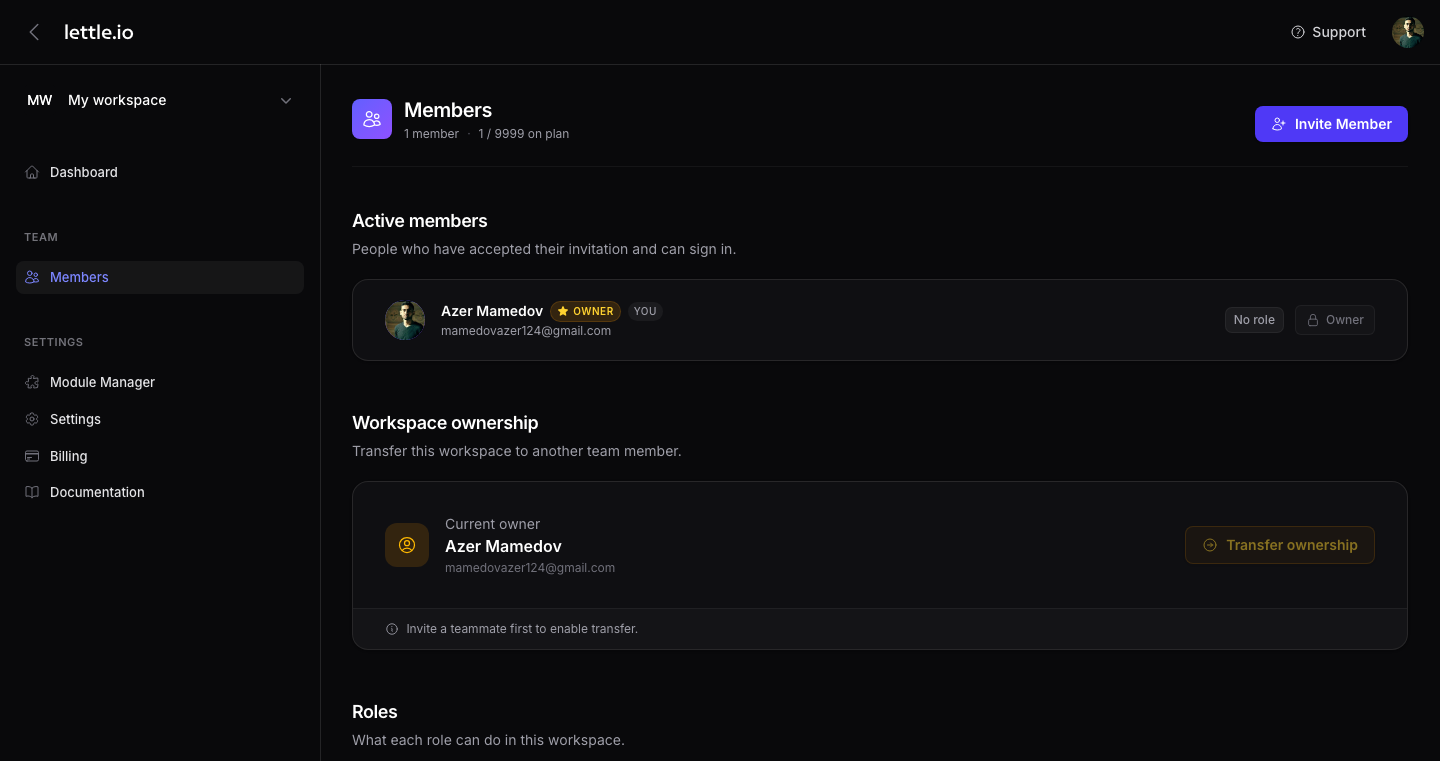
Open Members
From the sidebar pick Team → Members.
-
Click "+ Invite Member"
Top-right of the table. A modal asks for an email and a role.
-
Pick a role
Admin gets everything, including deleting the workspace. Editor can manage pages and content but cannot deploy or change modules. Developer can edit pages, deploy, and manage modules — but not invite people.
-
Send the invite
They receive an email and join the workspace once they accept. You can revoke or change the role any time from the same page.
Tip
Roles are per-workspace. The same user can be admin in one workspace and editor in another.