Attach a custom domain
Replace the workers.dev URL with your own domain in a few clicks. Cloudflare provisions SSL and the CDN automatically.
-
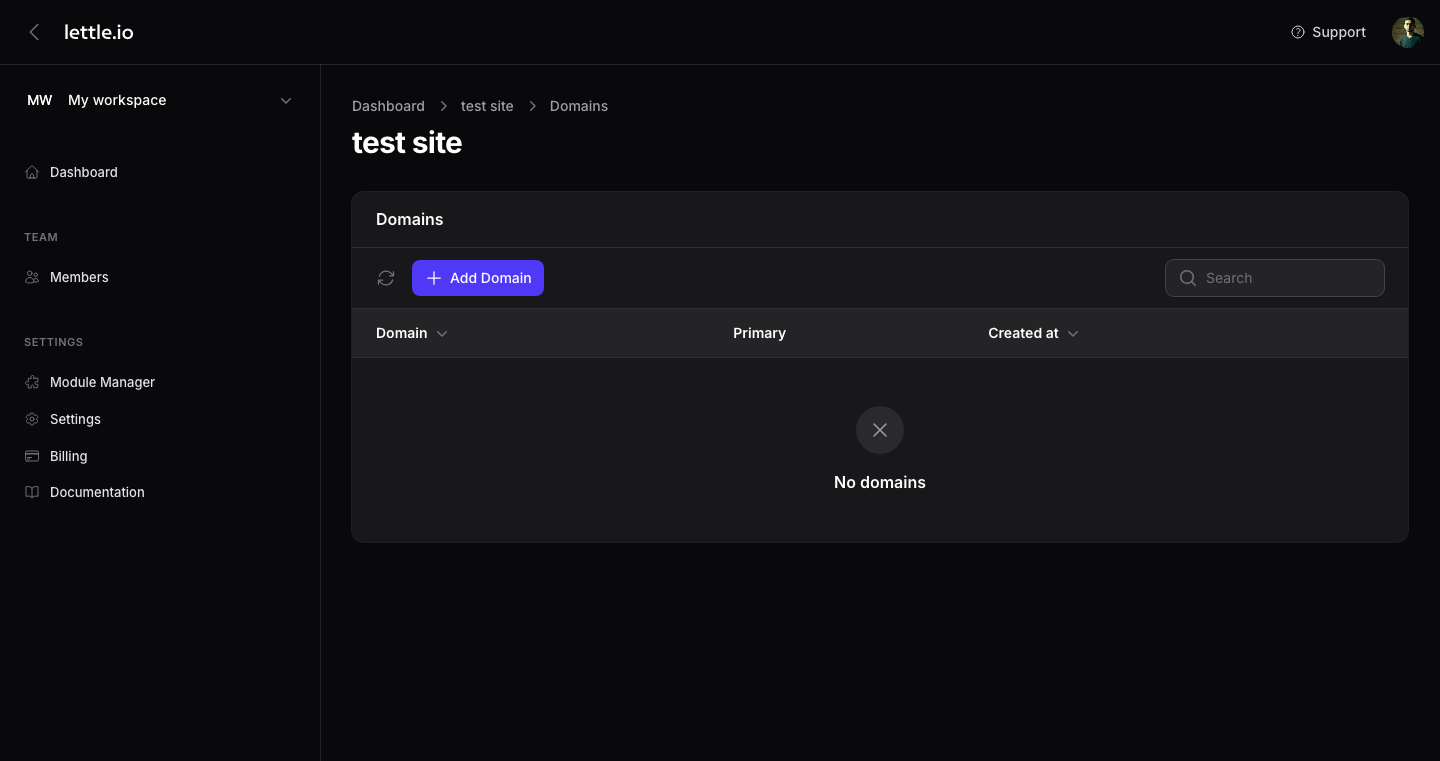
Open Domains
On the websites grid, click the globe icon on the website card. The Domains modal slides in.
-
Add a hostname
Click Add and type a hostname (e.g. example.com). The domain must already live on your Cloudflare account — Lettle does not transfer DNS for you.
-
Sync to Cloudflare
Lettle creates the route on your account and Cloudflare provisions SSL automatically. The status pill turns green when ready.
-
Mark it primary
Use the Primary toggle on the new domain row. The site's public URL switches to it everywhere in Lettle.
Tip
The workers.dev preview URL stays alive even after you add a custom domain — handy for QA and for sharing private builds.