Create your first website
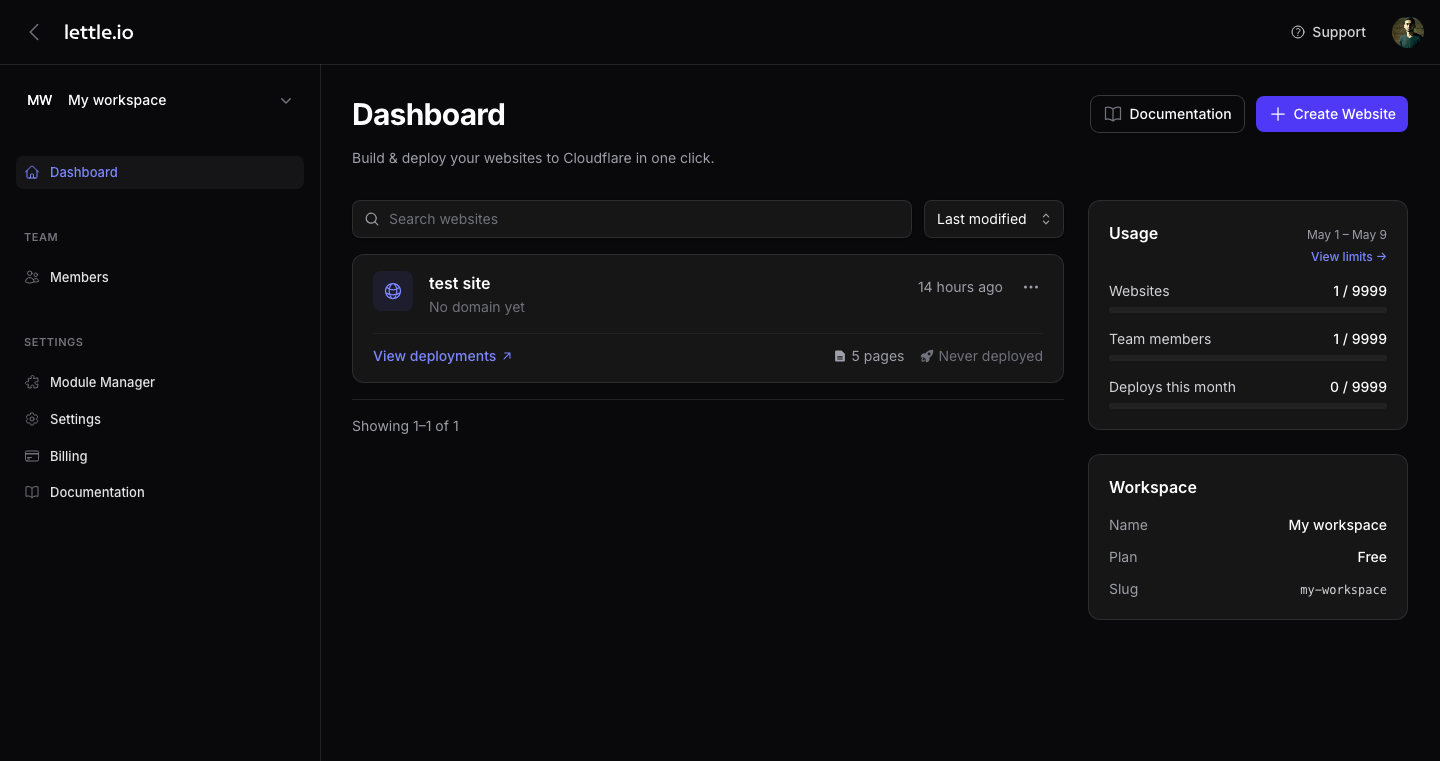
Each website maps to one Cloudflare Worker on your account. Spinning up a new one takes about thirty seconds.
-
Open Websites
From the sidebar, pick Content → Websites. You land on the website grid for the current workspace.
-
Click "+ New website"
The button sits in the top-right corner. A short modal asks for a name only.
-
Name it
Use anything human-readable — names are display-only and editable later. Lettle generates a unique Cloudflare Worker name behind the scenes.
-
Land in Edit Website
After save, Lettle drops you on the website dashboard. From here you can manage Pages, Domains, Settings, and Deployments.
Tip
Each plan caps how many websites a workspace can hold. When you hit the limit, the "+ New website" button shows an Upgrade prompt — see Billing for your current quota.