Connect your Cloudflare account
Lettle ships your sites to your own Cloudflare account, not ours. Drop in an API token once and Lettle can deploy on your behalf forever.
-
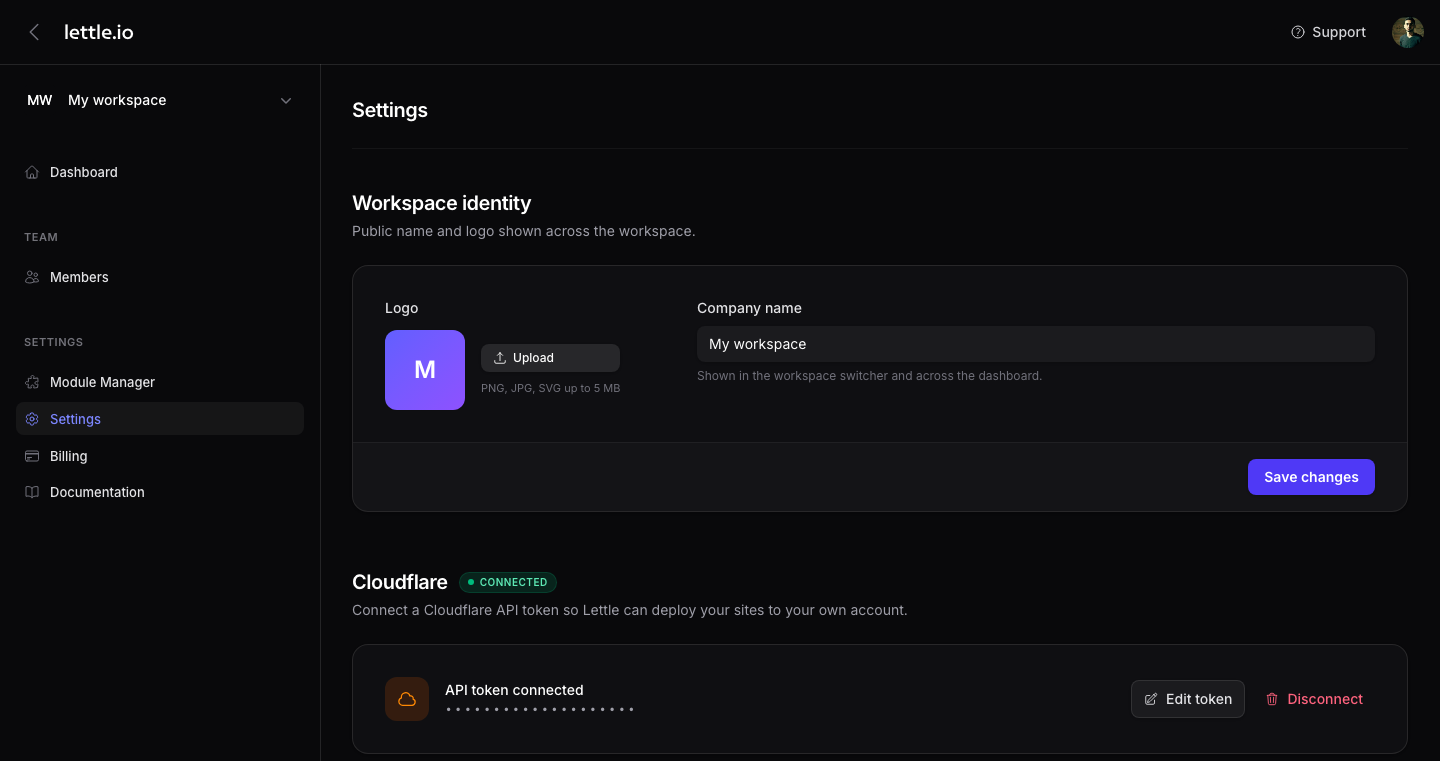
Open workspace settings
In the tenant panel, click the gear icon in the bottom-left or open Settings → Settings from the sidebar. Scroll to the Cloudflare card.
-
Mint a scoped token on Cloudflare
Click "Create token on Cloudflare". Cloudflare opens with the right scopes preselected — Workers Scripts, Workers Routes, Cache Purge, Account Read. Click Continue → Create Token, then copy the token. Cloudflare only shows it once.
-
Paste the token and your account ID
Back in Lettle, paste the token into the API Token field and add your Cloudflare account ID (visible in any Cloudflare dashboard URL).
-
Save
Tokens are encrypted at rest. Lettle uses them only to upload assets and update your Workers — we never read traffic.